 AtlasDays
On the App Store now
AtlasDays for iPhone Duo
Unfold it, and AtlasDays picks up right where you left off: your trackers, your trips and your calendar, side by side.
Room for the whole picture
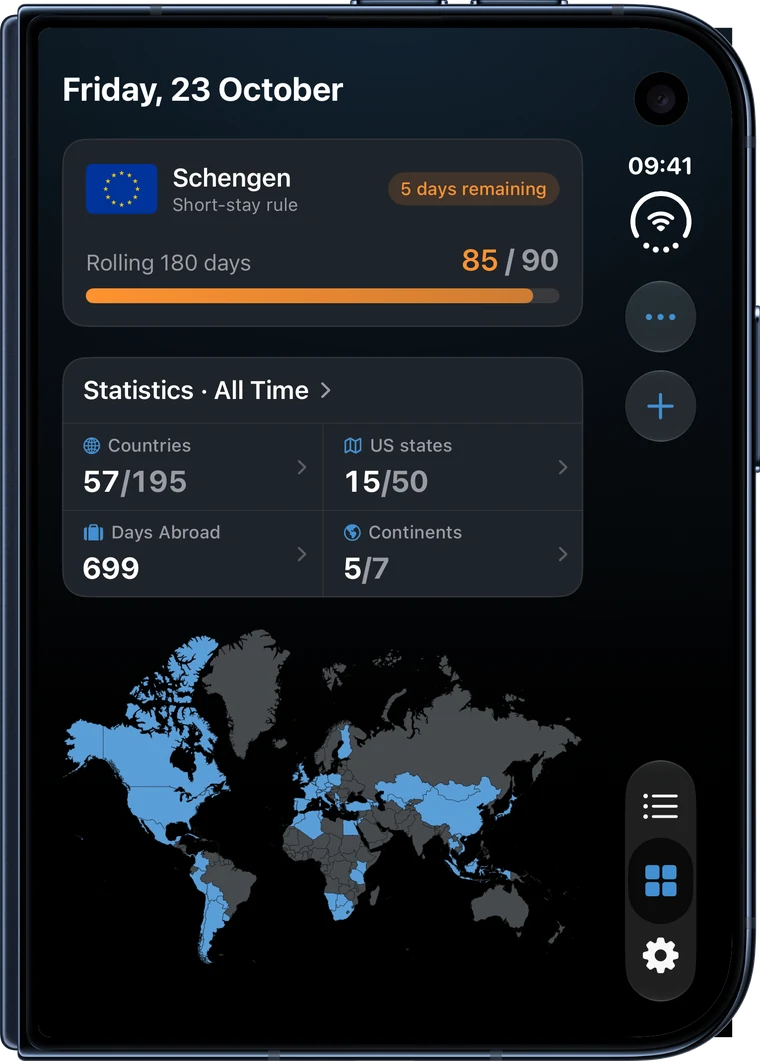
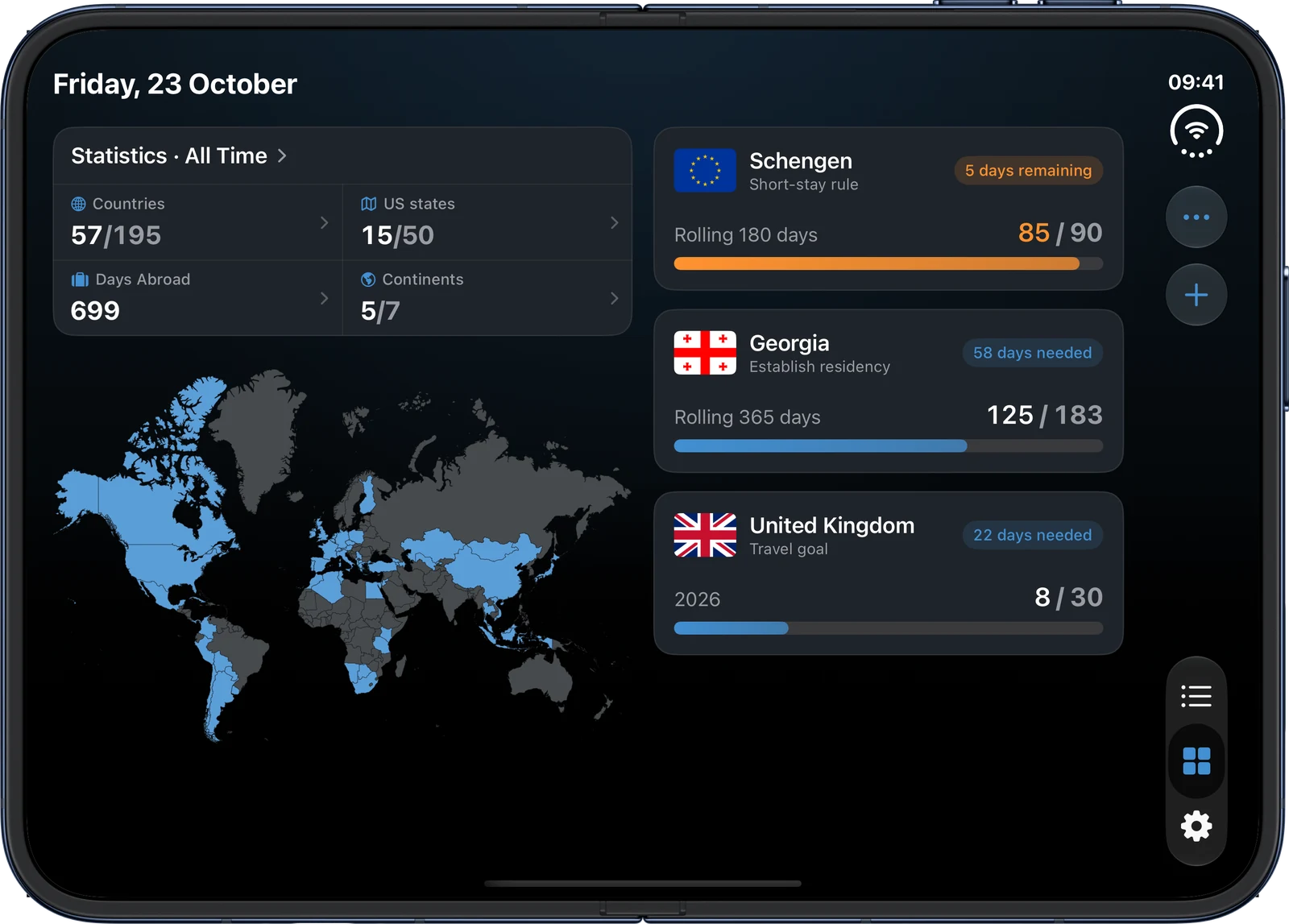
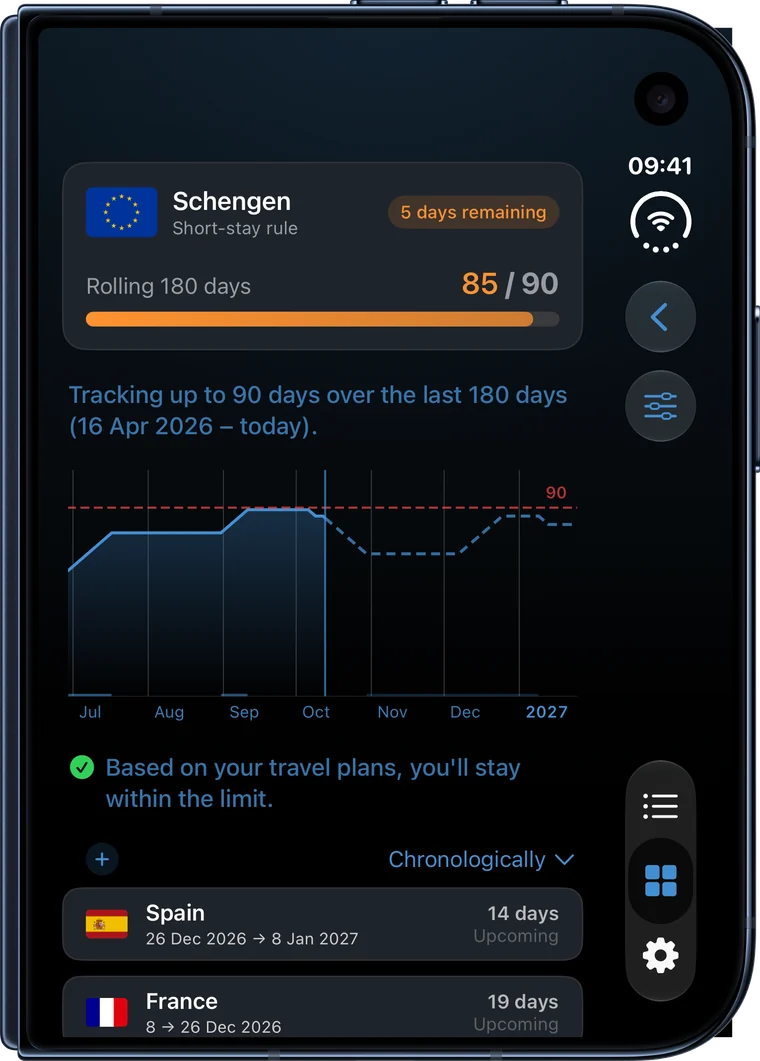
Closed, your trackers, the statistics and the map share one column. Open it and the Dashboard splits along the fold: the statistics and the map on the left, your trackers on the right, where the closed display left them.
Your calendar beside your trips
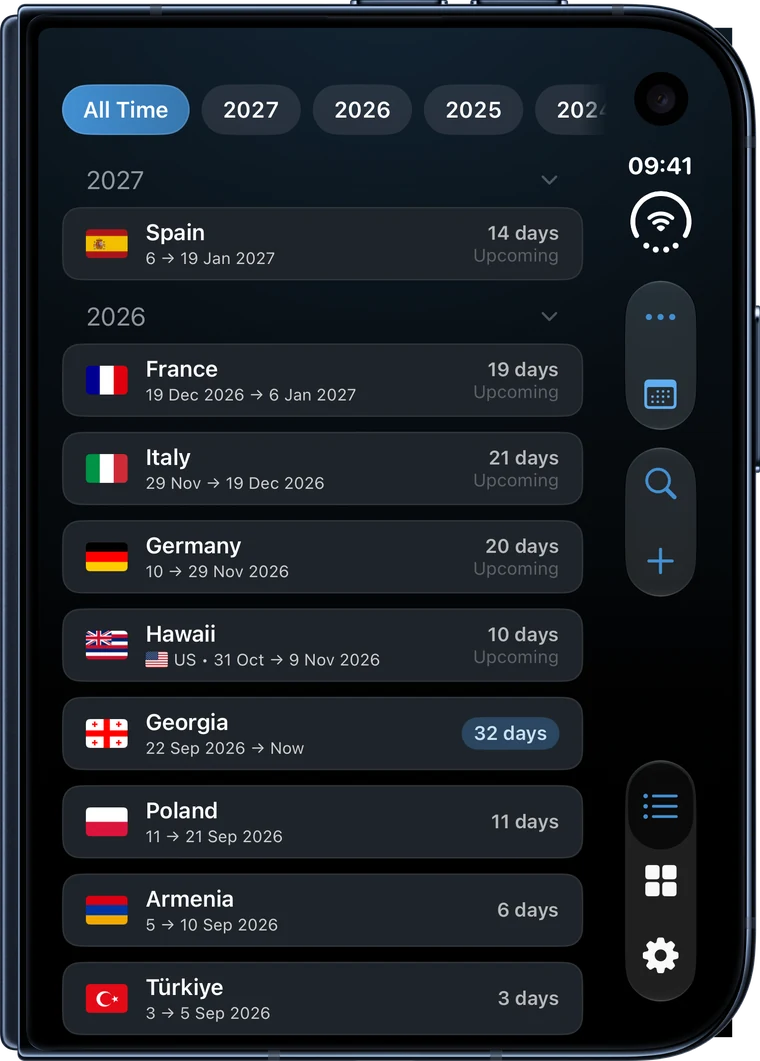
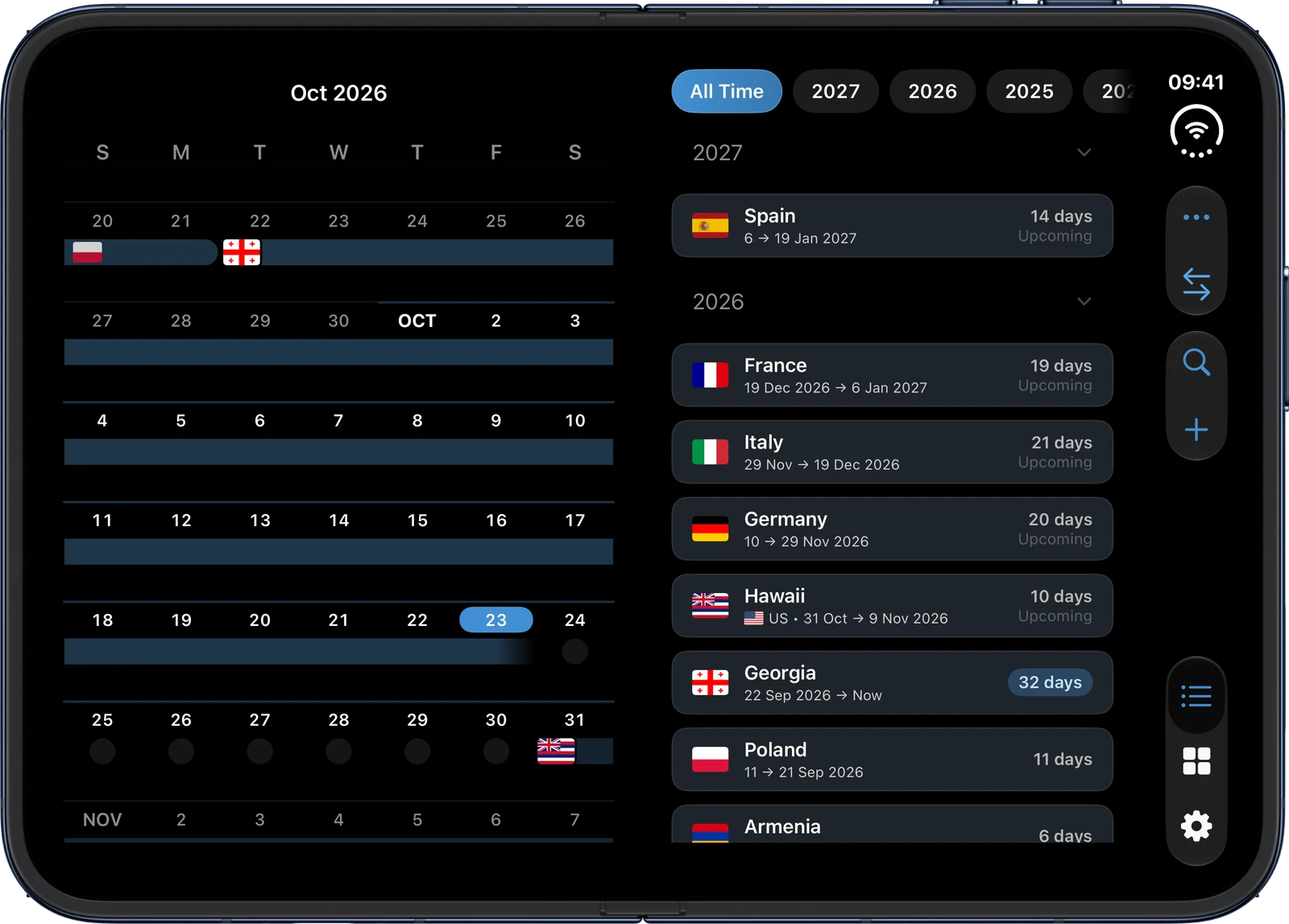
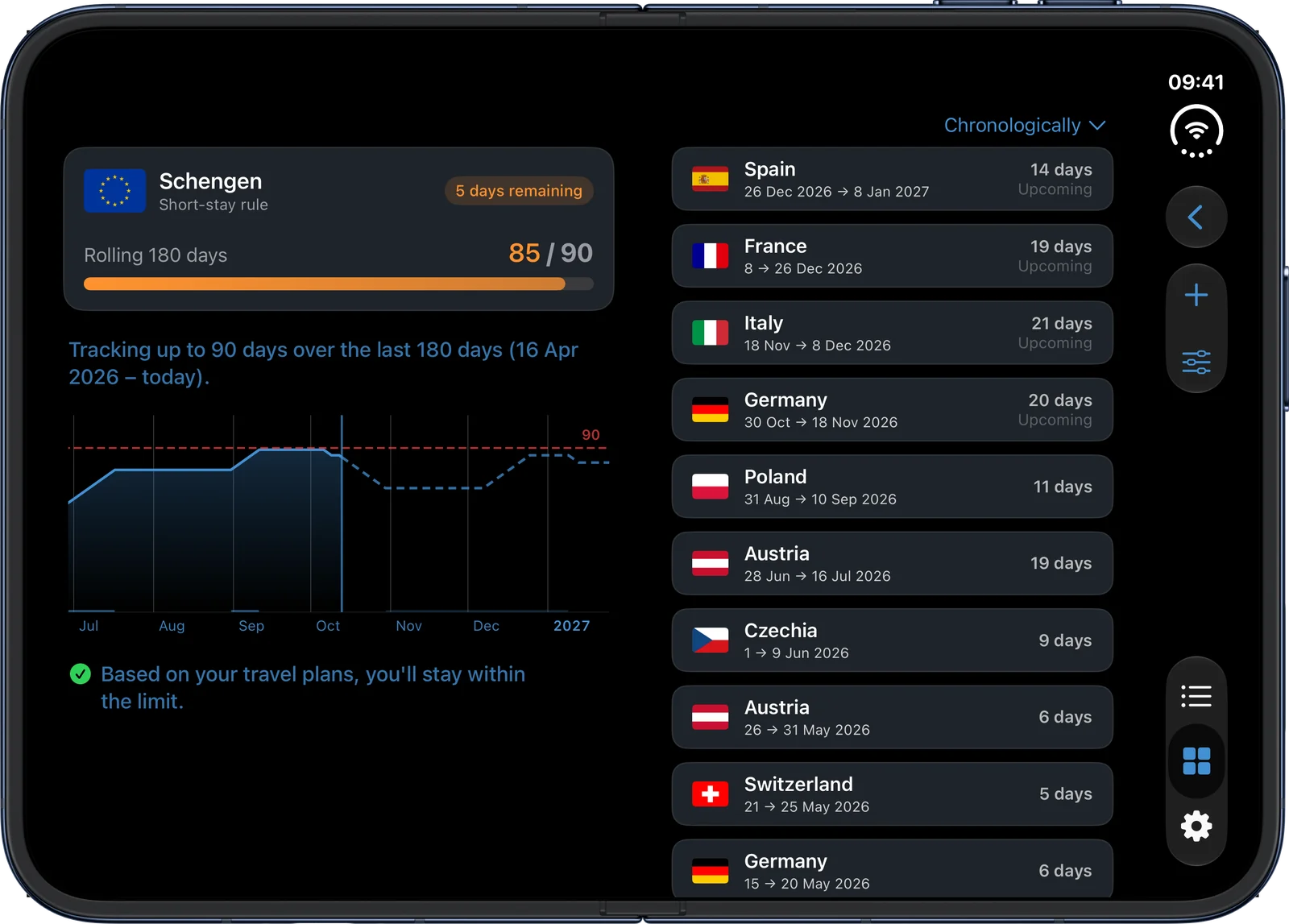
The Timeline splits on the crease: the calendar on the left, trips on the right. The right pane continues what the closed display showed, and when you fold it again, the right pane is what stays.
Know where you stand before you go
Trackers forecast your planned trips. Here it is the Schengen 90/180 rule, with the dashed line showing the days still to come. Opened, the summary and chart sit beside the trips that count.
Every country you've been to
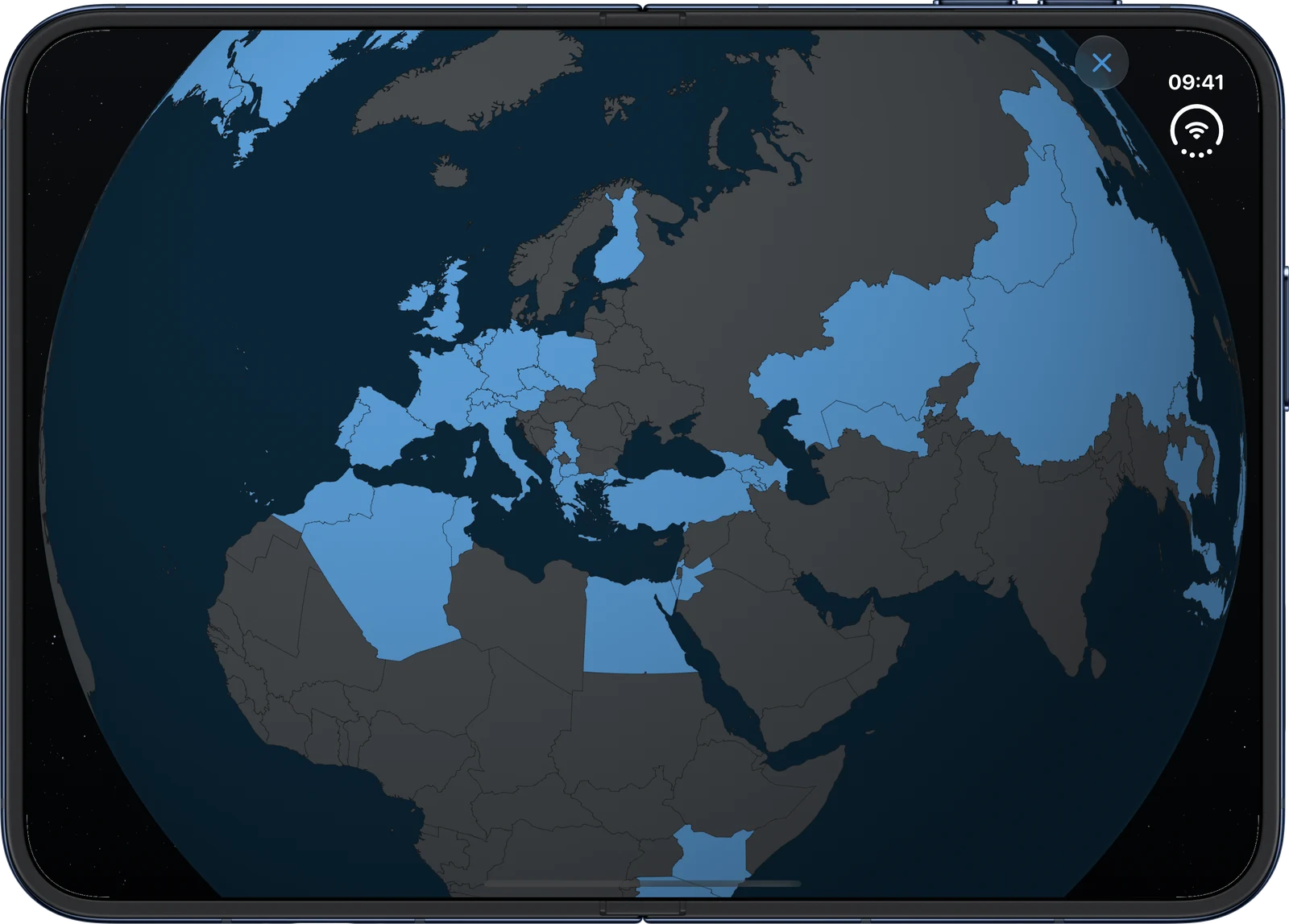
The 3D globe fills the opened display and turns under your finger. AtlasDays can build it for you from the photos already in your library.
Built for the fold, not stretched to it
AtlasDays reads the device's posture and window, not the device type, so every screen gets the layout that fits it.
Reads the hinge
AtlasDays uses UIHingeInteraction from iOS 27.1. Partly open in landscape, the panes divide on the crease, so opening the last few degrees never reflows the calendar.
Works with the side rail
On the closed display, toolbar buttons move into the system rail one by one, and content stops where the rail begins.
Every orientation when open
Closed, it stays portrait like an iPhone. Opened, it turns freely, and folding never forces a rotation.
Settings as a sidebar
Closed, Settings is the familiar list. Opened, the list becomes a sidebar with the page you picked beside it.
About AtlasDays
AtlasDays answers a question every traveler is eventually asked: where were you, and for how many days? It logs trips by country and by US state, counts days against rules like Schengen 90/180, tax residency and the US Substantial Presence Test, adds trips automatically when you cross a border, and builds past trips from your photos.
Unlimited trip logging, auto-detect, every import, the dashboard statistics and one tracker are free. There are no ads and no account, and your trips stay on your device and in your own iCloud.
Made by Jorick, an independent developer in Tbilisi. Questions: press@atlasdays.app. Facts, descriptions and downloads are in the press kit. AtlasDays is on the App Store.