

Choose a Tracker Preset
Tap + on the Dashboard to open Add a Tracker, one list of ready-made rules. Filter it with the pills at the top, search it with the magnifier, or start from the pinned Custom card.
Browse by filter
Five pills sit above the list: Visas, Tax, Residence, Citizenship, and Personal. Tap one to show only that family, and tap it again to clear it. With no pill selected, the list shows every section:
- Visa & Entry Limits: how long you may stay, such as Schengen 90/180.
- Tax Residence: day thresholds after which a country can treat you as a tax resident. The US State section sits under the Tax pill.
- Residence Status: limits on absence that keep a permit, green card, or permanent residence.
- Settlement & Citizenship: presence and absence requirements for settlement or citizenship applications.
- Personal Goals: your own targets, such as time back in your Home Country.
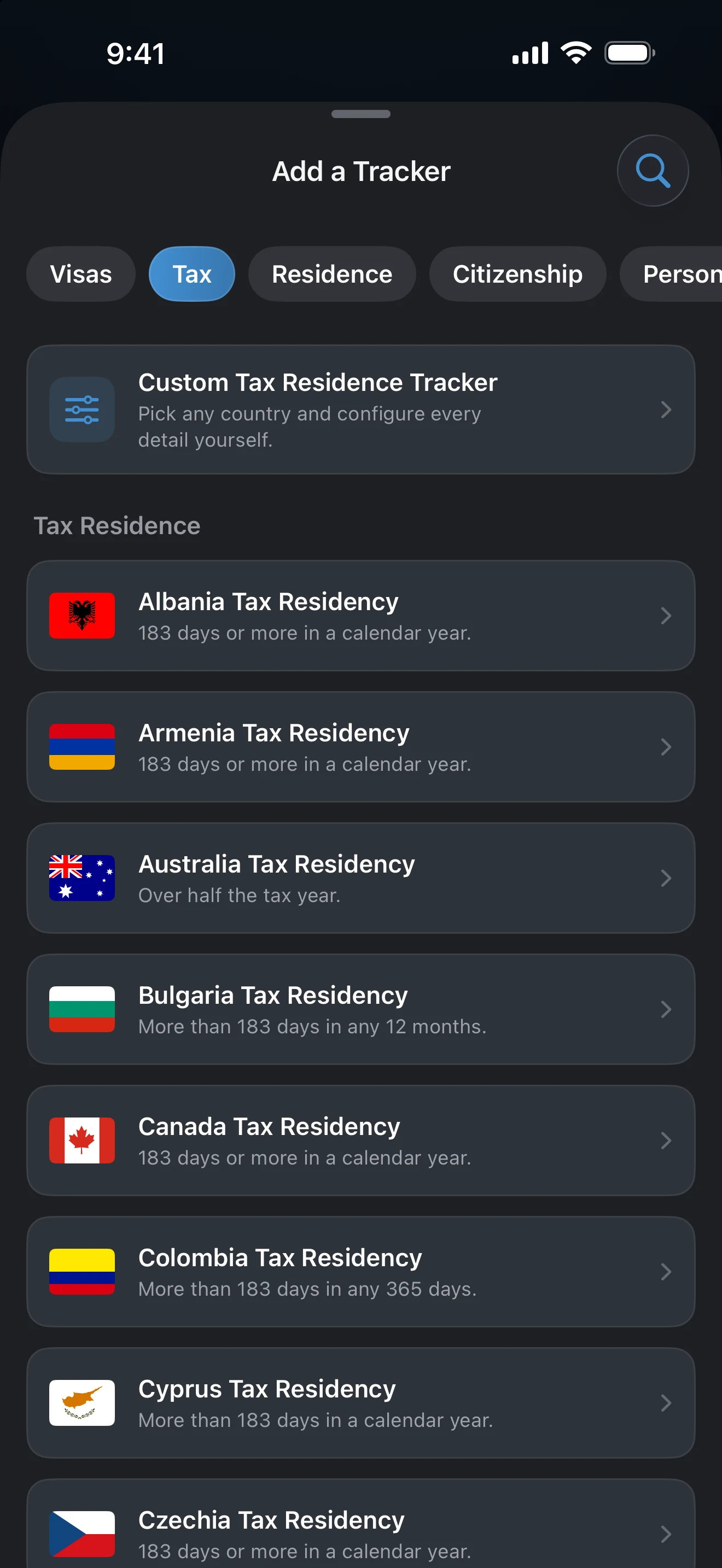
Presets are named for the rule and the place. The full list lives in the app and grows with updates, so browse it rather than relying on a written list. If you cannot find a rule, tap Let us know at the bottom of the list.
Search
Tap the magnifier at the top right and type a rule, an acronym, or a country. Search also matches the rule text, so a number such as 183 works. Typing a country name also offers Start a custom tracker for this country, which opens the Custom editor with that country already selected. When nothing matches, the list says Try a country name, or start from Custom.
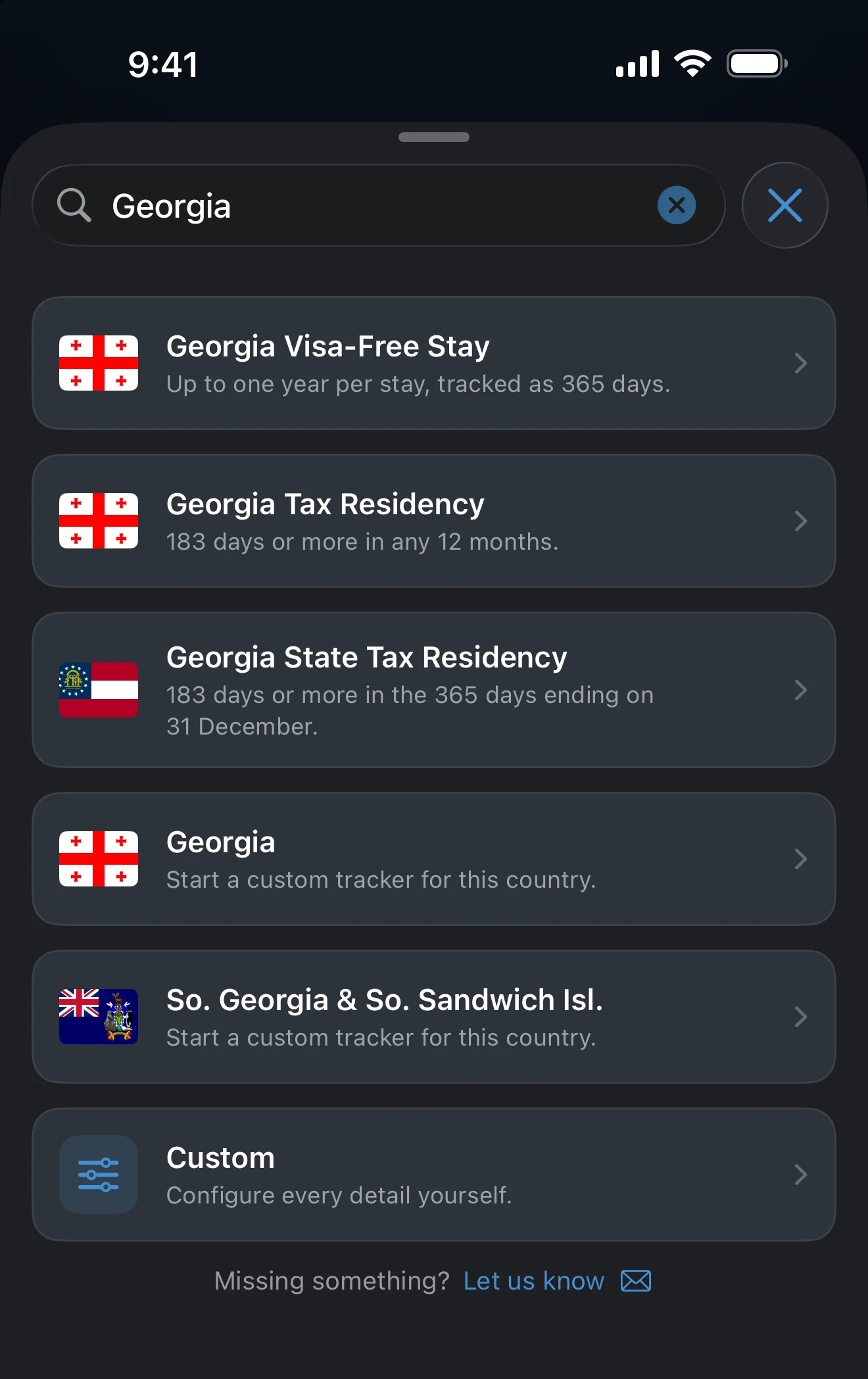
Custom
The Custom card stays pinned at the top. Its title follows the pill you selected, for example Custom Visa or Entry Limit, Custom Tax Residence Tracker, or Custom Travel Goal. It opens the editor with the places for you to choose and the rule for you to set.
How a preset differs from Custom
A preset fills in the places, Goal, Limit, and Window for a published rule, names the tracker, and shows the rule in words under the rows with a Learn more link to the guide for that rule. Every value stays editable. Custom leaves them all to you. Order in the list can depend on your Home Country: the Schengen presets lead the visa section unless your Home Country is inside the Schengen Area.
Some presets are not a single number. A few counting rules have two limits, and many absence rules count days away rather than days present. Both are labelled in the rule text.
What is free
Tracking one limit is free. A second tracker, US state presets, and rules with two limits or a combined test need AtlasDays Pro. You can open and configure any preset without Pro; the upgrade prompt appears when you tap Save.
A preset is a starting point. It counts recorded days against a published rule, but it does not know your visa, nationality, or exemptions. Read the Learn more guide and check the official source. Create a Tracker covers the editor.
If a preset is missing or does not fit
Search for the country, or start from Custom and set the places, limit, and window yourself. Tap Let us know below the list to request a preset.
Last updated September 30, 2026