

Languages and Country Names
AtlasDays has 15 interface languages, and it lets you set three things separately: the app language, the language of country names, and the language of exports and share cards.
Change the app language
- Open Settings → Language.
- Tap App language to open iOS Settings for AtlasDays.
- Choose the language there. iOS relaunches AtlasDays so the interface reloads consistently.
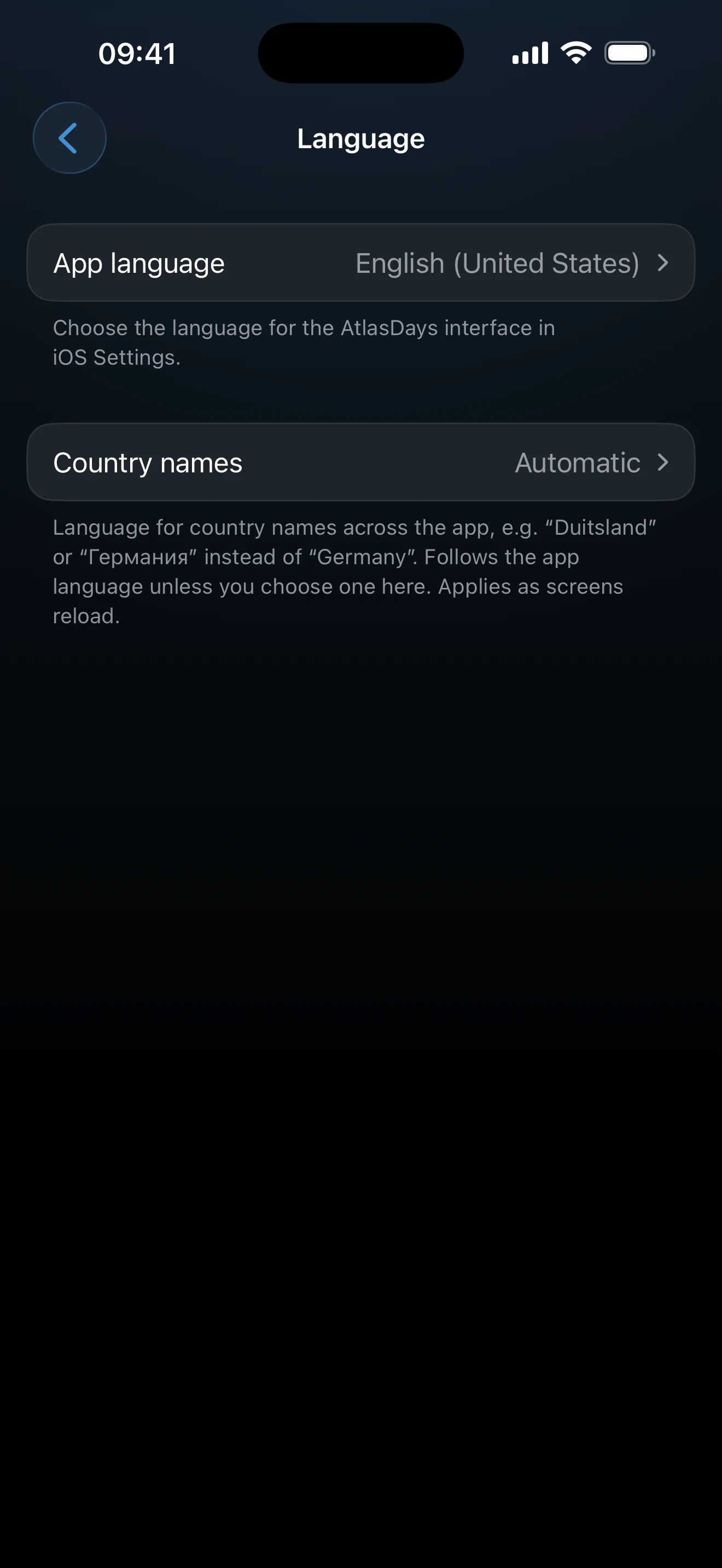
The interface is available in English (US), English (UK), Nederlands, Español, Deutsch, Français, Русский, Українська, 日本語, Türkçe, 한국어, Português (Brasil), 繁體中文, and 简体中文.
Choose country names separately
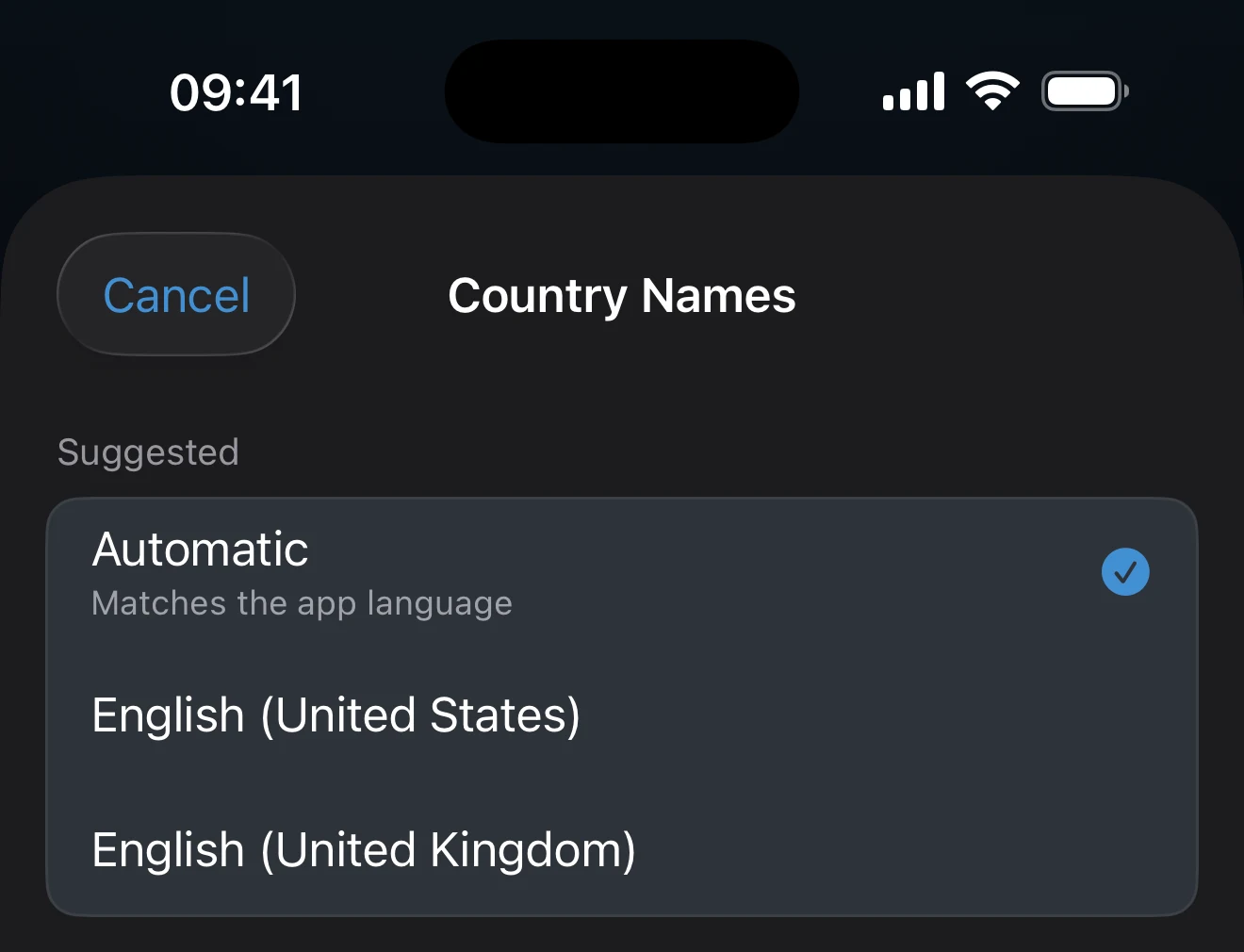
On the same screen, tap Country names. Automatic follows the app language. To read the interface in one language and country names in another, pick a language from the list, or use the search field to find one. The change applies as screens reload.
Exports and share cards
The Spreadsheet and PDF exports and the share cards each have their own Language choice, from the same 15 languages, and each screen remembers its own. Changing the language of an export does not change the app.
If some text has not changed
Close and reopen the screen you are on. The app language changes in iOS Settings, and iOS relaunches AtlasDays itself. Country names change separately, under Country names.
Last updated September 30, 2026