

AtlasDays on iPad
AtlasDays uses the extra iPad space to show the Timeline list and calendar side by side and to split Settings into a sidebar and a detail pane. Trips, trackers, and counting rules are the same as on iPhone.
Timeline
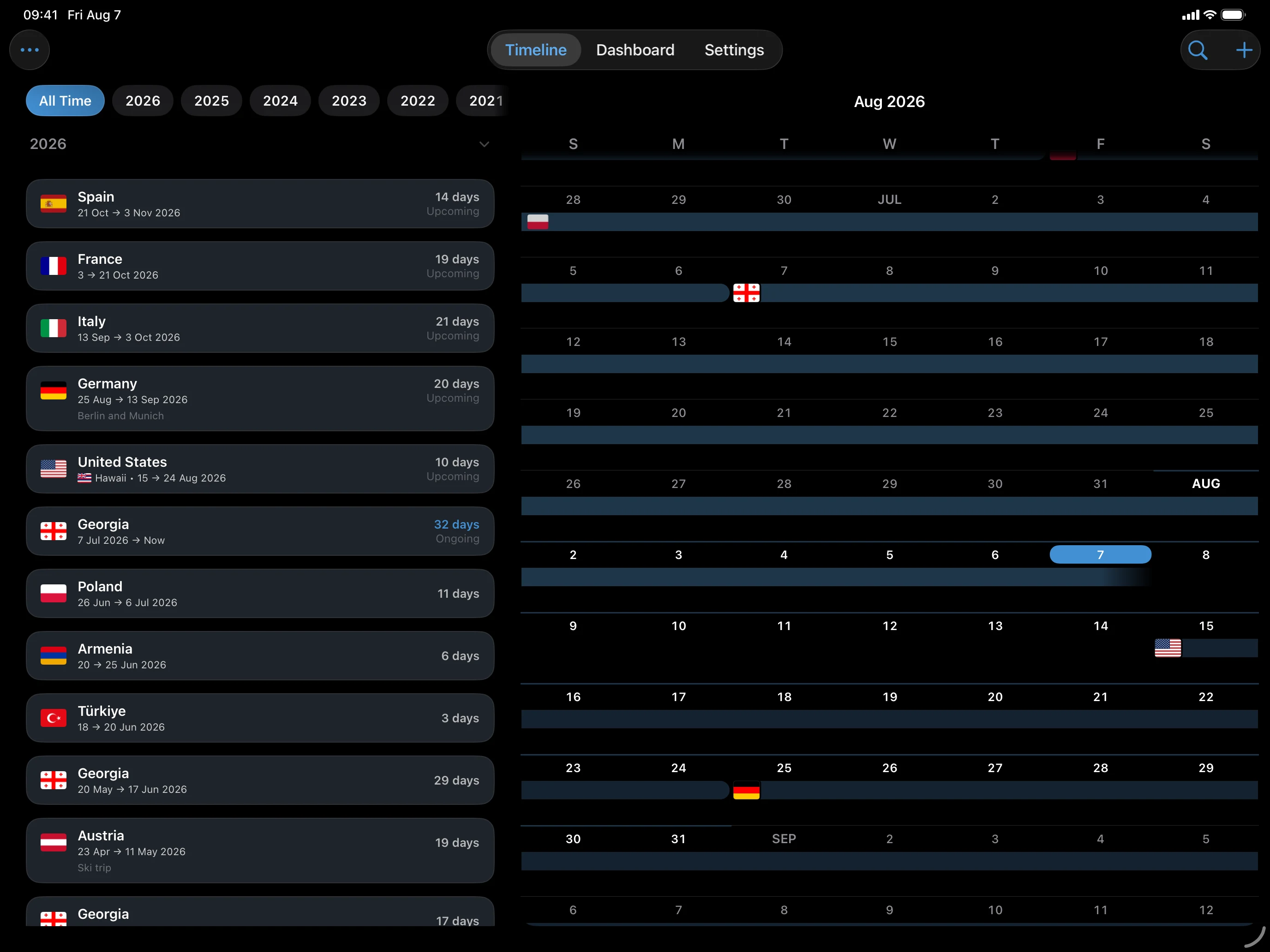
On a wide iPad screen, the Timeline shows the trip list and the calendar together, so there is no list and calendar switch to tap. In a narrow window, such as a small Stage Manager window, it falls back to one view at a time, as on iPhone.
Settings
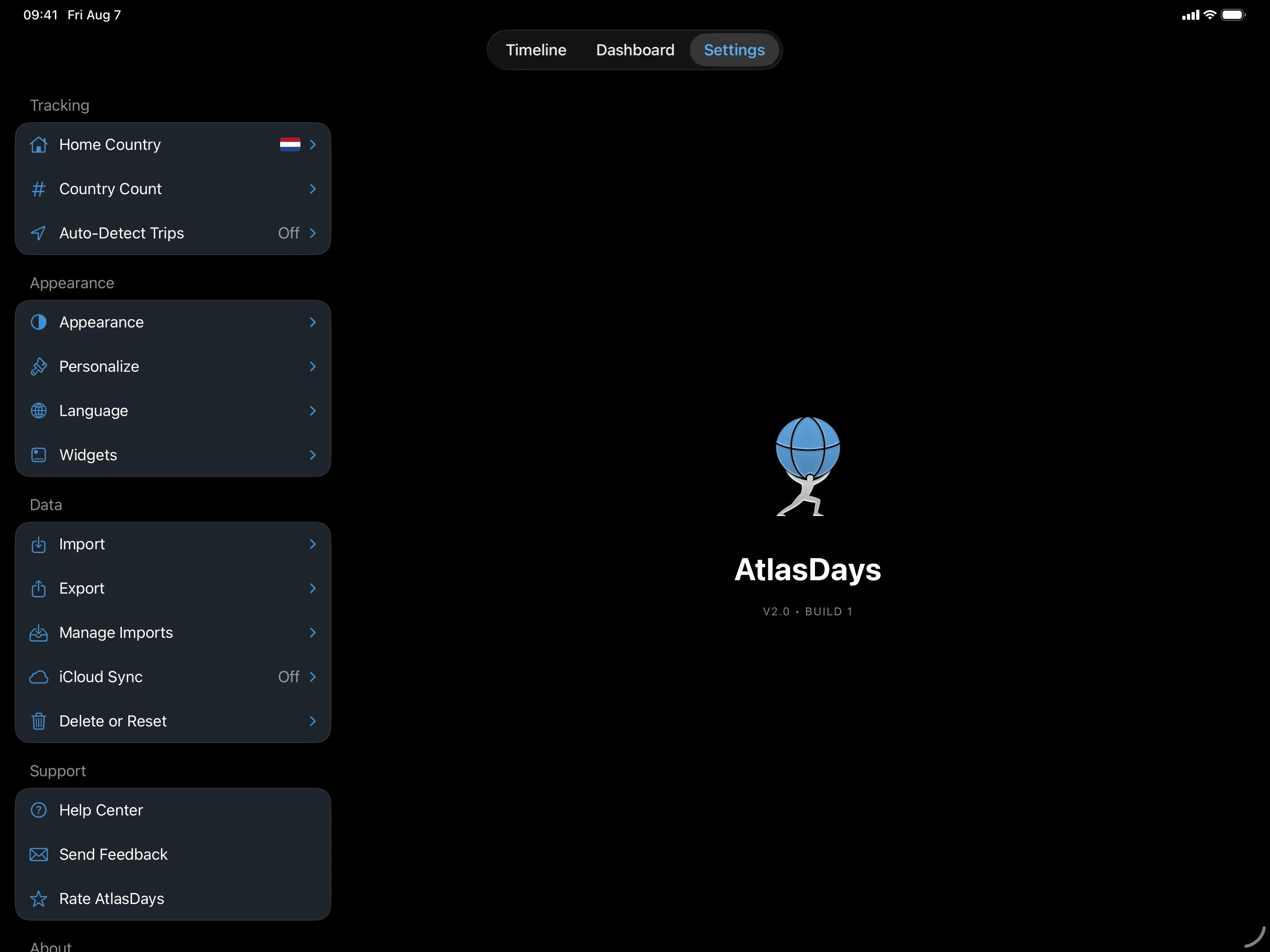
Settings uses a sidebar and a detail pane. Choose Import, Export, Appearance, Language, iCloud Sync, or another destination on the left, and work in the pane on the right. Import and Export open their own options inside that pane.
Dashboard and map
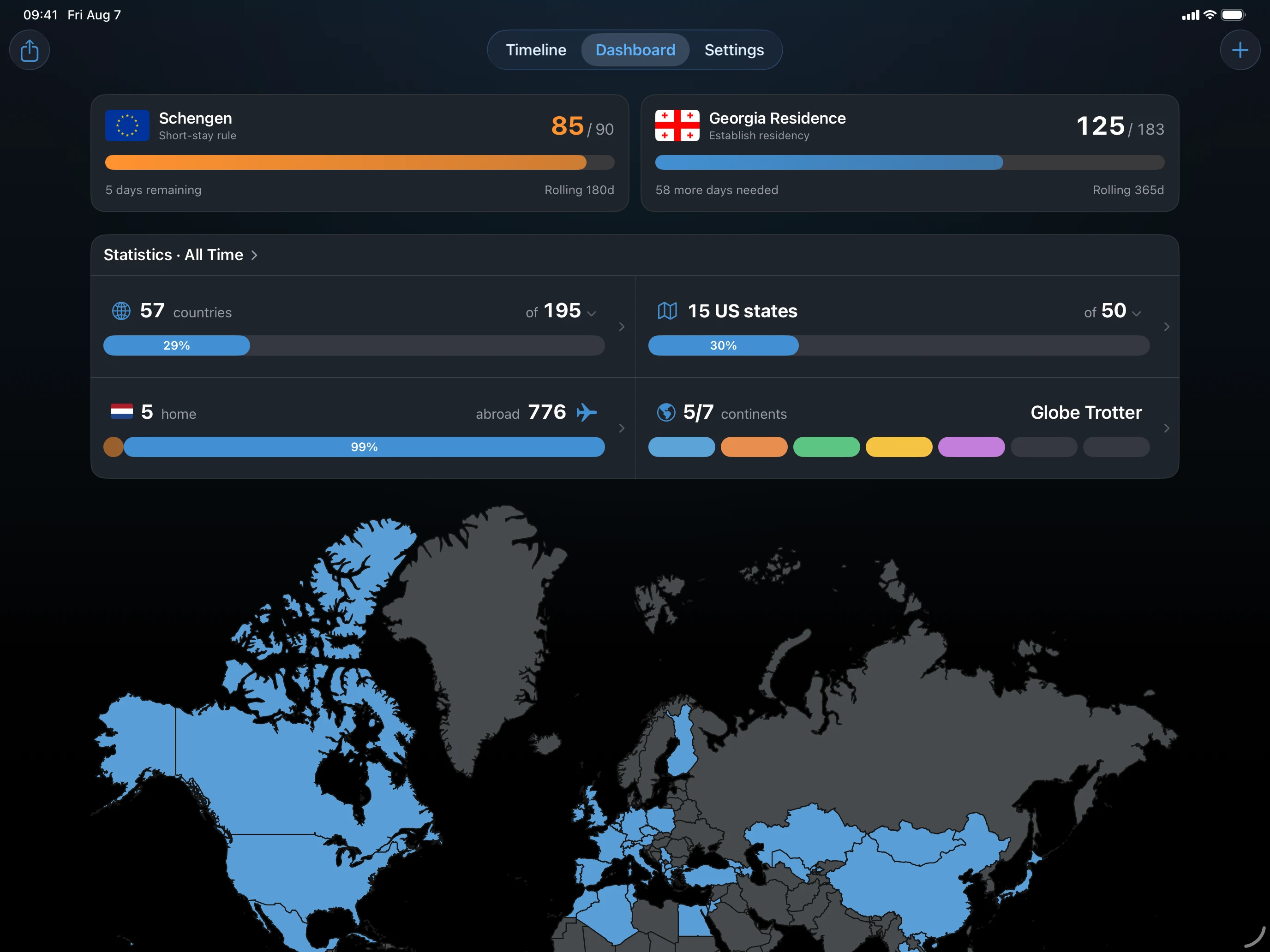
The Dashboard uses the wider canvas for its cards. The selected period, visit rules, and day totals are identical to iPhone.
Sync between iPhone and iPad
Turn on iCloud Sync on each device that uses the same Apple Account when you want trips and trackers to stay aligned. To move data to a device that does not use iCloud, restore an AtlasDays Backup there.
If a pane looks empty
Choose a destination in the Settings sidebar. If the layout looks cramped, rotate the iPad or widen the window, because a narrow Stage Manager window uses the compact layout.
Last updated September 30, 2026