

Resolve Overlapping Trips
Two trips overlap when they put you in different places on the same night, or in the same place twice on the same day. Open the ••• menu in the Timeline, choose Resolve N overlaps, and trim, split, or merge each pair.
What counts as an overlap
- Both trips need exact dates. Year Only trips are never compared. An open-ended trip counts through today.
- Trips in different places overlap only if they share at least one night. A trip that ends the day another begins is a handoff, and so is a one-day trip inside a longer stay.
- Trips to the same place overlap if they share any day, even one. These are usually duplicates or a stay entered twice.
- A Transit trip is compared only with trips to the same place.
- With Pro, two US trips in different states count as different places. Without Pro, they are the same place.
Where overlaps show
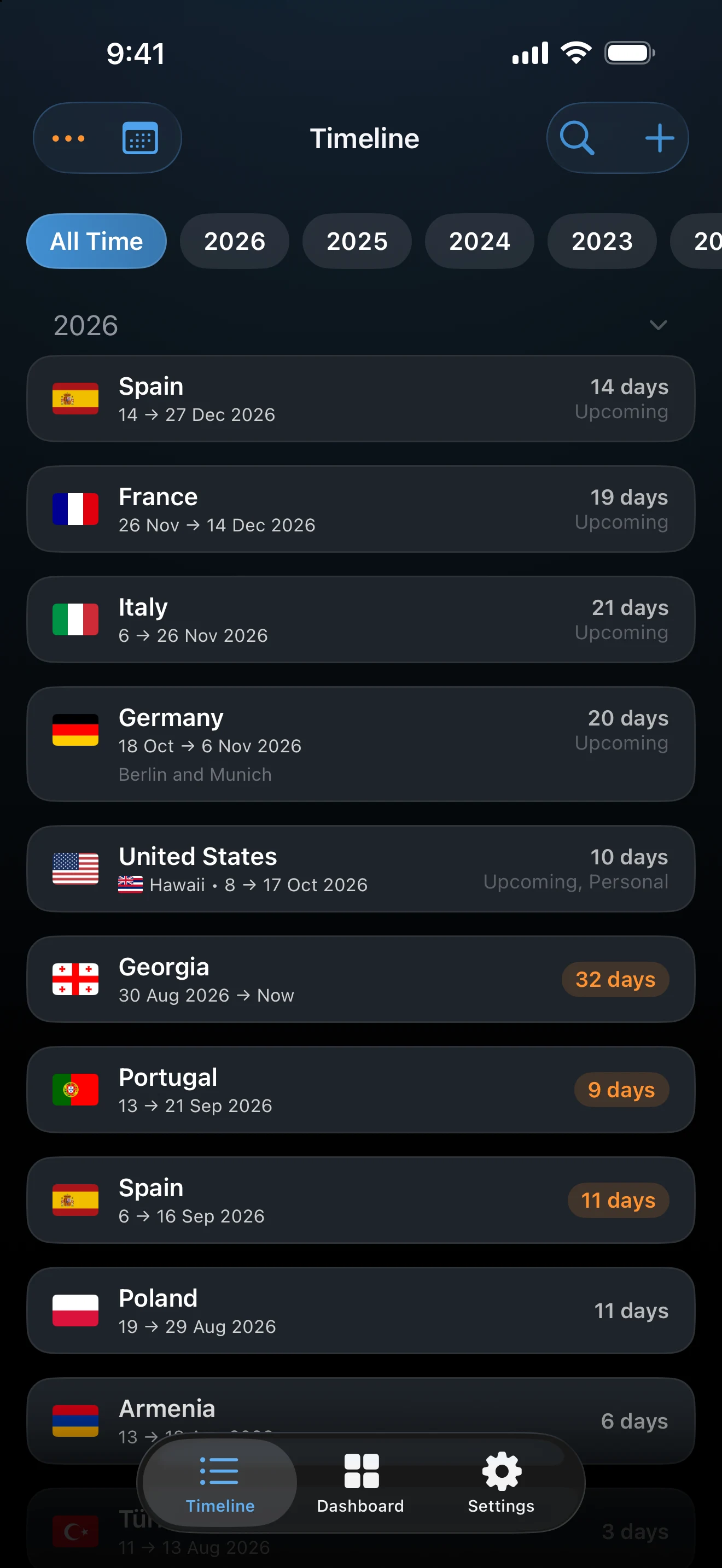
Overlapping trips are marked in a distinct color on Timeline cards and in the calendar, and the ••• button carries a dot. When you edit an overlapping trip, a Resolve Overlap button (Resolve Overlaps when several places are involved) sits next to Delete Trip. Overlaps never block saving a trip.
Resolve them
- Open ••• and choose Resolve N overlaps, or use Resolve Overlap from a trip.
- The Overlapping Trips sheet shows the two trips with the number of nights they share. To fix a date first, tap a card to edit that trip.
- Tap one of the actions below. The sheet moves to the next pair, and ends with All overlaps resolved.
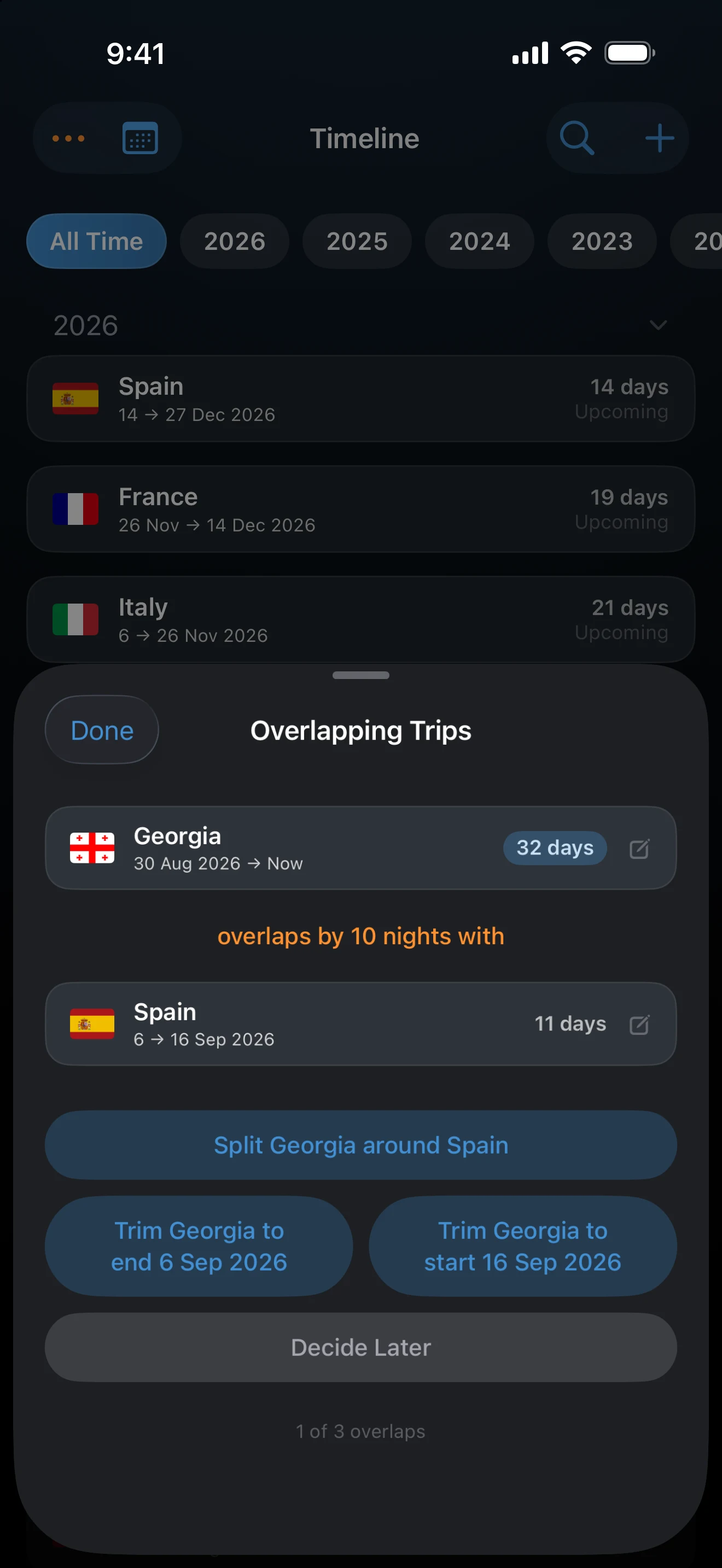
Decide Later skips the pair and leaves it flagged. Done closes the sheet. The sheet has no Undo button, so check the dates before you choose.
The actions
Which ones appear depends on the pair.
- Trim <place> to end <date> ends the earlier trip on the day the later one starts. Trim <place> to start <date> moves the later trip's start to the day the earlier one ends. The trips then meet on one shared day, which counts for both, like a border-crossing day. Trim is offered for trips in different places.
- Split <place> around <place> is offered when one trip runs before and after the other. The longer trip becomes two trips, one on each side, each meeting the shorter trip on a shared day. The second half copies the purposes and notes, and photos are divided by the date they were taken.
- Merge <place> trips is offered only for the same place. Two trips become one, from the earlier start to the later end, and open-ended if either was. The earlier trip survives and the other is deleted. Notes from both are kept, photos are combined, and the result is Transit only if both were. It keeps the earlier trip's state, or takes the other's if the earlier has none.
What overlaps do to counts
Within one tracker, a day covered by two trips is counted once. If the two trips are in different countries, each country still counts the day. How AtlasDays counts travel days has the details.
Choose the trip that is right. Resolving edits your records, and AtlasDays cannot tell which of two overlapping trips is correct. If you are not sure, choose Decide Later.
If an overlap is missing or an action is not offered
Check that both trips have exact dates and share a night, or a day if they are the same place. Merge is not offered across different countries, or across different US states with Pro. Trim and Split are not offered for trips to the same place.
Last updated September 30, 2026